Gemini Watermark Remover
AI 기술을 사용하여 클릭 한 번으로 이미지에서 워터마크를 제거하세요.
몇 초 만에 깔끔하고 전문적인 결과를 얻으세요.
- Secure processing
- Files auto-deleted
- No credit card required
Drop your image here
or click to browse
JPG · PNG · WEBP · BMP · up to 10MB
Processed securely — files are deleted automatically
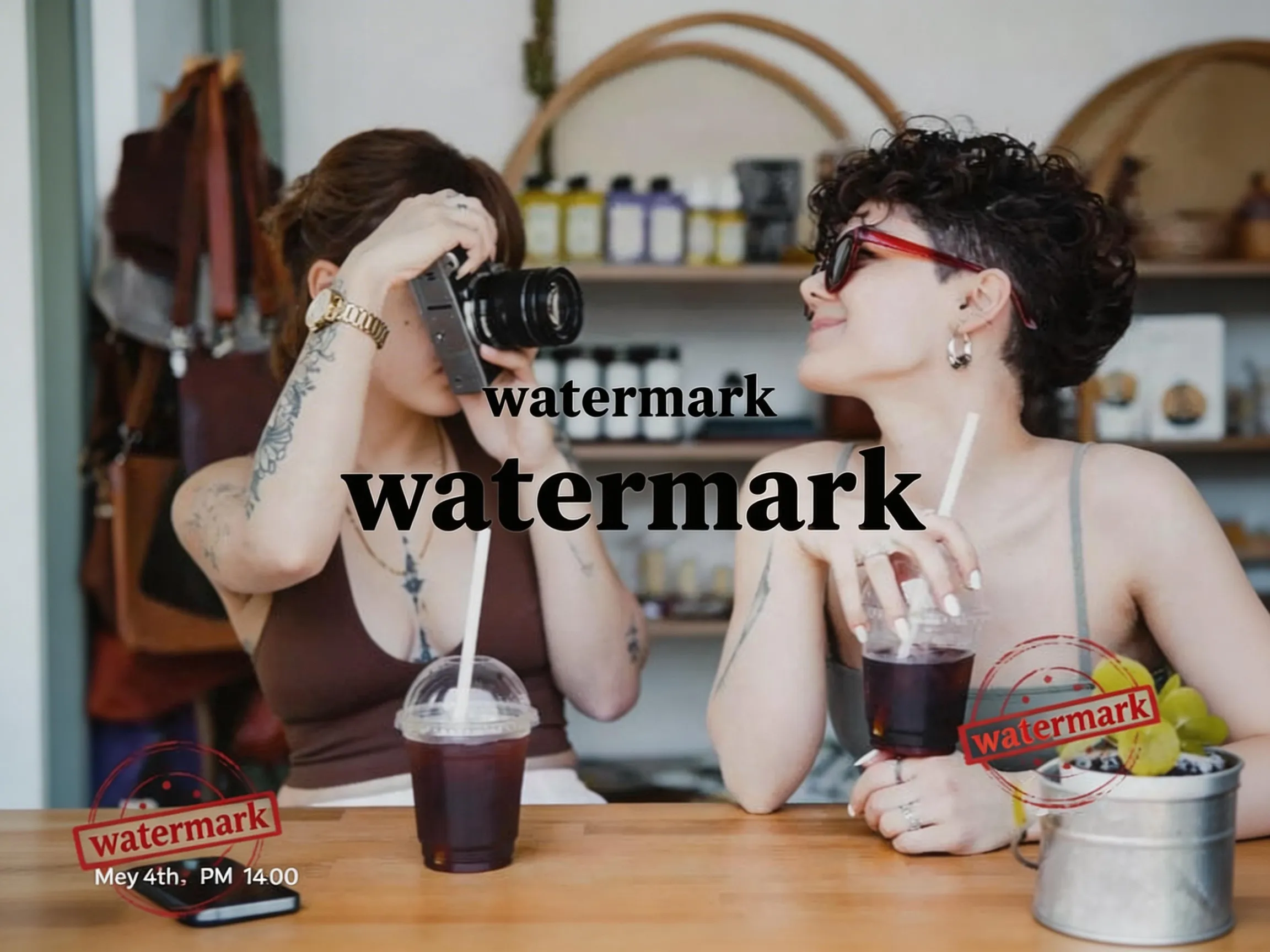

Example: watermark removed
WatermarkRemover로 무엇을 할 수 있나요?
WatermarkRemover는 모든 주요 형식을 지원하며 다양한 유형의 워터마크와 원치 않는 요소를 처리할 수 있습니다.
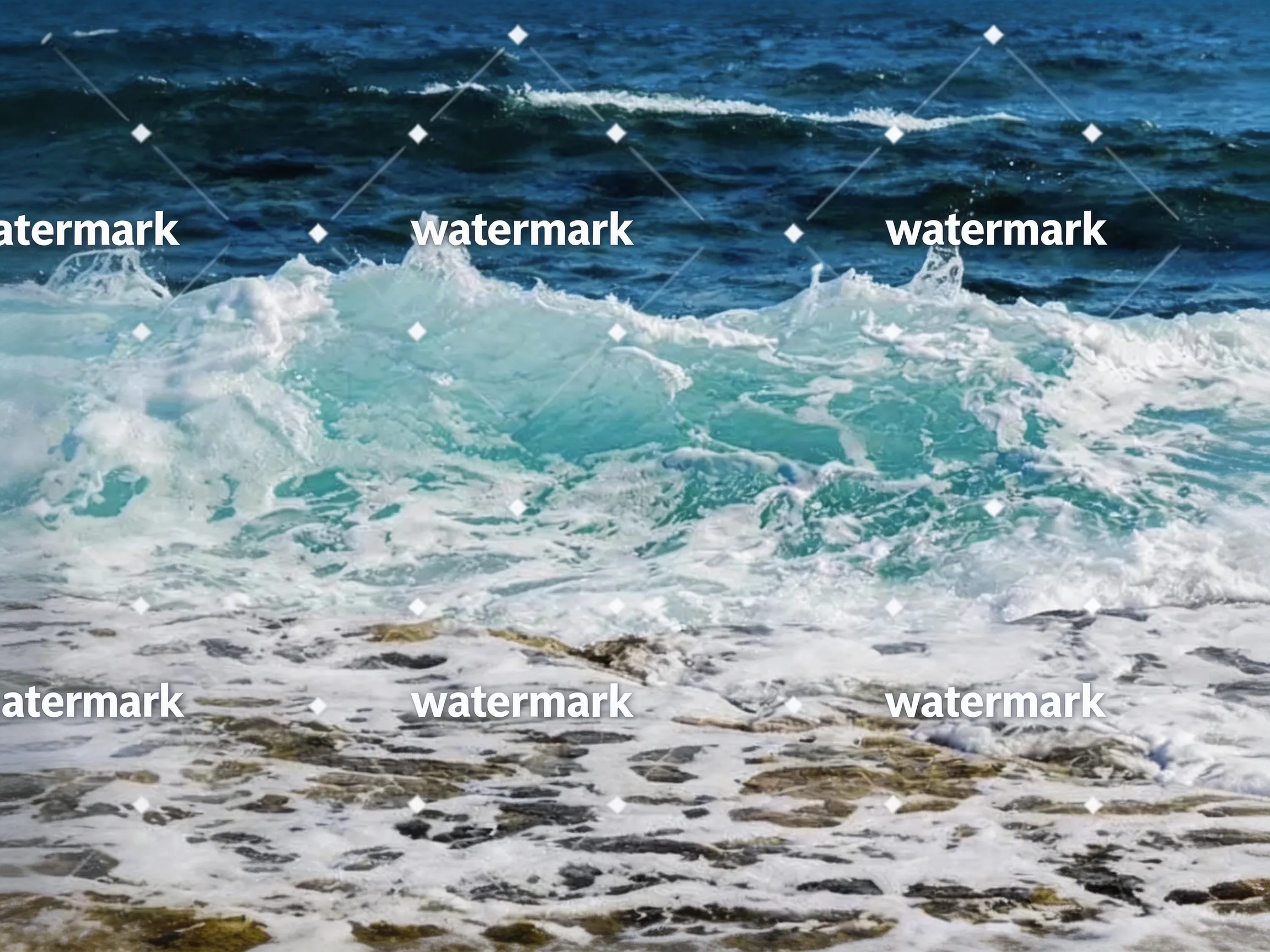 Before
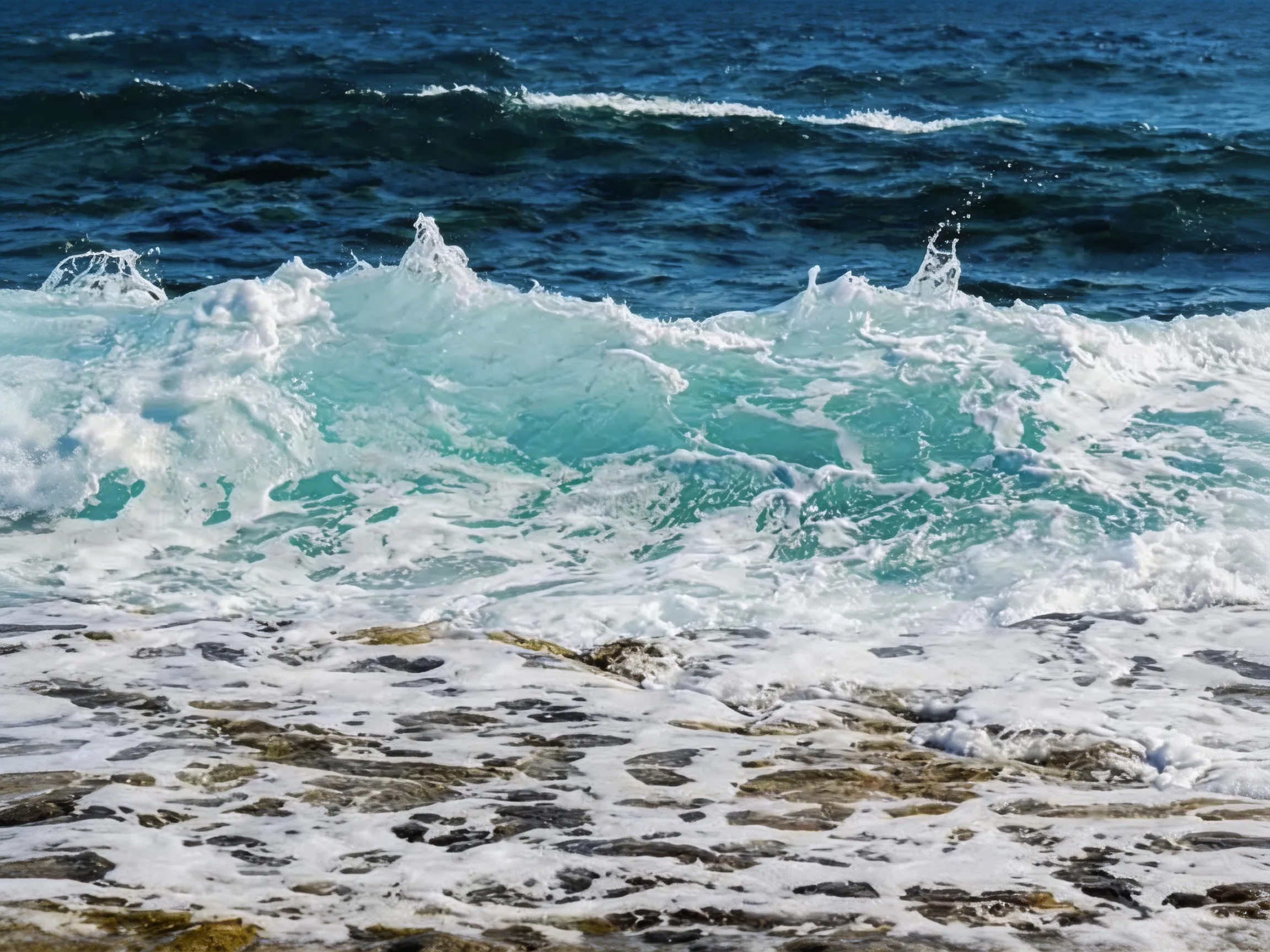 After
텍스트 제거
원치 않는 텍스트와 주석 제거
 Before
 After
객체 제거
원치 않는 객체와 요소 제거
BeforeAfter사진 워터마크
로고, 텍스트 및 기타 원치 않는 요소 제거
주요 이점
워터마크 제거 도구를 선택해야 하는 이유
최첨단 AI 기술을 채택하여 전문가 수준의 워터마크 제거 효과를 제공합니다.
즉각적인 결과
몇 시간이 아닌 몇 초 만에 워터마크 제거가 완료됩니다. AI 처리 속도는 초고속입니다.
고품질 출력
워터마크를 완전히 제거하면서 원본 이미지 품질을 유지합니다.
개인정보 보호 및 보안
이미지는 당사 서버에서 안전하게 처리되며 24시간 이내에 삭제됩니다. 모델 학습에 사용되지 않습니다.
강력한 기능
전문적인 워터마크 제거에 필요한 모든 기능.
AI 스마트 감지
지능형 AI가 모든 유형, 크기 또는 위치의 워터마크를 자동으로 감지합니다.
다중 형식 지원
JPG, PNG, WEBP와 같은 일반적인 이미지 형식을 지원합니다.
품질 유지
고급 알고리즘으로 이미지 품질을 완벽하게 유지합니다.
빠른 처리
최적화된 처리 파이프라인을 통해 몇 초 만에 결과를 얻으세요.
안전하고 비공개
이미지는 안전하게 처리되며 다운로드 후 자동으로 삭제됩니다.
사용하기 쉬움
간단한 드래그 앤 드롭 인터페이스, 기술 능력 불필요.
Before and after
Drag the slider to compare — AI inpainting reconstructs the pixels under the mark.
Erase stickers and unwanted objects — the background is rebuilt automatically.
Drag the handle to compare
Clear pricing, clear limits
- Free removals on signup
- 3Free removals on signup
- Starting monthly price
- $9.9Starting monthly price
- Maximum image size
- 10MBMaximum image size
- Automatic image deletion
- 24hAutomatic image deletion
가격
간단하고 투명한 가격
귀하의 요구에 맞는 플랜을 선택하세요. 숨겨진 비용이 없습니다.
베이직
개인 사용에 이상적입니다.
- 월 50회 워터마크 제거(연간 플랜 시 연 600회)
- JPG, PNG, WEBP, BMP 최대 10MB
- 표준 AI 처리
- 이메일 지원
- 한 번에 한 장 처리
프로
전문가용.
- 월 200회 워터마크 제거(연간 플랜 시 연 2,400회)
- 베이직의 모든 기능
- 우선 이메일 지원
- 한 번에 한 장 처리
- 크레딧은 현재 결제 기간 동안 유효
엔터프라이즈
팀 및 기업용.
- 월 500회 워터마크 제거(연간 플랜 시 연 6,000회)
- 프로의 모든 기능
- 우선 이메일 지원
- 한 번에 한 장 처리
- 크레딧은 현재 결제 기간 동안 유효
자주 묻는 질문
질문이 있으신가요? 답변이 있습니다. 추가 도움이 필요하면 문의하세요.
Use cases
Watermark removal, by use case
Step-by-step guides for the most common image jobs — formats, objects, platforms, and tools.
Remove Watermark from Video — Frame by Frame with AI
Remove watermarks from videos using our frame-by-frame AI workflow. Extract frames from your video (MP4, MOV, AVI), upload them to our AI remover for AI watermark removal, then reassemble into a clean video. Works with TikTok, YouTube, Instagram, and Sora watermarks. No blur, just AI inpainting that reconstructs the pixels underneath.
/remove-watermark-from-videoRemove Watermark from Photo Online
Got a stock photo with a visible watermark, or a screenshot carrying someone's social handle? Our AI photo watermark remover reconstructs the underlying pixels and gives you back a clean, share-ready photo in seconds. No Photoshop, no selection brush, no credit card.
/remove-watermark-from-photoRemove Watermark from PNG Images
PNG is common for screenshots, design exports, and images with transparency. Our AI PNG watermark remover rebuilds the area under the watermark. Note that the processed result is a newly generated image file: if your PNG relies on transparency outside the watermark, check the output before using it.
/remove-watermark-from-pngRemove Text from Any Image
Burned-in captions on memes, watermarks on stock photos, timestamps on old scans, social handles on screenshots — text overlays ruin otherwise usable images. Our AI text eraser detects text regions and rebuilds the background underneath, leaving no blur boxes and no smudges.
/remove-text-from-imageRemove Watermark from JPG Files
JPG is still the most common format for photos on the web — which also makes it the format most often saddled with visible watermarks. Our AI removes the overlay and reconstructs the area beneath it. The output keeps the source resolution but is a newly generated image file, so EXIF metadata from the original is not carried over.
/remove-watermark-from-jpgRemove Watermark from WebP Images
WebP is a common format for the web because of its small file size. The uploader accepts WebP input, and the AI reconstructs the area under the watermark. The result is returned as a newly generated image file rather than being re-encoded as WebP, so convert it back to WebP in your own tool if your pipeline requires that format.
/remove-watermark-from-webpRemove Logo from Photo Online
Logos are trickier than text watermarks — they often have semi-transparent backgrounds, complex shapes, and sit over detailed content. Our AI logo remover detects the logo's shape and rebuilds the underlying pixels, whether the logo is a corner badge on a product photo or a giant brand overlay across the middle.
/remove-logo-from-photoRemove Date Stamp from Photo
Almost every film-era digital camera burned an orange or yellow date stamp into the corner of photos. Decades later, those stamps ruin otherwise charming throwback pictures. Our AI timestamp remover detects the date text and rebuilds the photo underneath — great for digitized prints, scanned family albums, and old camera phone shots.
/remove-timestamp-from-photoRemove Caption from Image
Captions, subtitles, and annotation text burned into an image are useful when you need them — and a pain when you don't. Meme top/bottom text, hardcoded video subtitles grabbed as screenshots, PDF annotation overlays: our AI caption remover finds the text region and rebuilds the image underneath so you can repurpose the underlying photo.
/remove-caption-from-imageFrom the blog
Product updates, guides, and engineering notes from the team.
How to Remove a Watermark from a Photo (Without Ruining It)
A practical, step-by-step guide to removing watermarks, logos, timestamps, and captions from photos — what works, what damages the image, and how AI inpainting changes the math.
 WatermarkRemover Team
AI Image Watermarks Explained: Gemini, Sora, and What You Can Remove
AI images often ship with two kinds of watermark — a visible corner badge and an invisible provenance signal. Here is the difference, and when removing one is safe and legal.
WatermarkRemover TeamRelated watermark removal guides
Format-specific guides for common image, video, and document jobs
GIF
Remove watermarks from animated GIFs, frame by frame
Read guideVideo
Extract frames from MP4, MOV, or AVI, clean each frame, then reassemble
Read guidePhoto
Remove watermarks from any photo format (JPG, PNG, WEBP)
Read guideExport PDF pages as images, clean each page, then rebuild the PDF
Read guide