Gemini Watermark Remover
AI技術を使用して、画像から透かしをワンクリックで削除。
数秒でクリーンでプロフェッショナルな結果を取得。
- Secure processing
- Files auto-deleted
- No credit card required
Drop your image here
or click to browse
JPG · PNG · WEBP · BMP · up to 10MB
Processed securely — files are deleted automatically


Example: watermark removed
WatermarkRemoverで何ができますか?
WatermarkRemoverは主要なフォーマットをすべてサポートし、あらゆるタイプの透かしと不要な要素を処理できます。
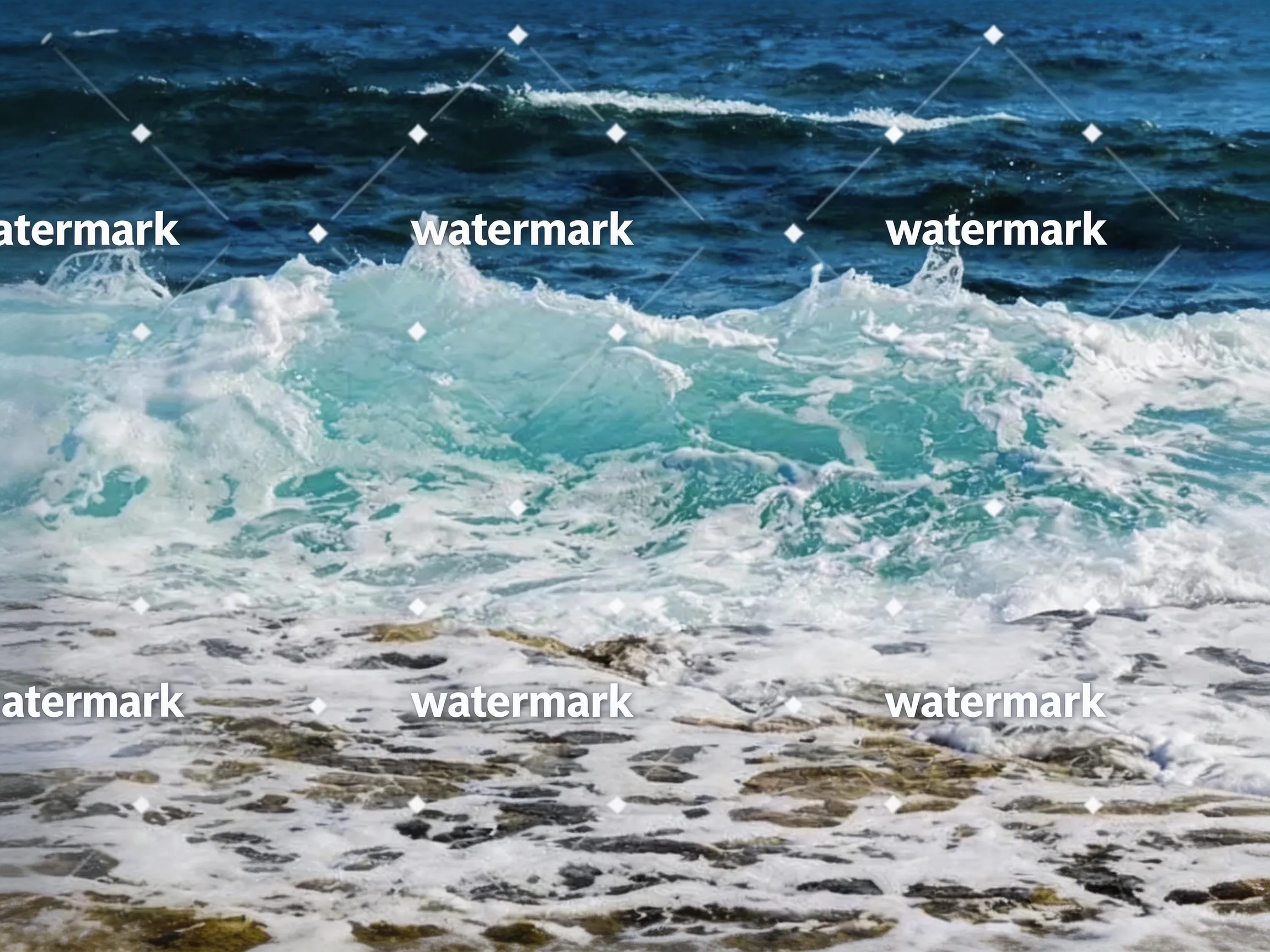 Before
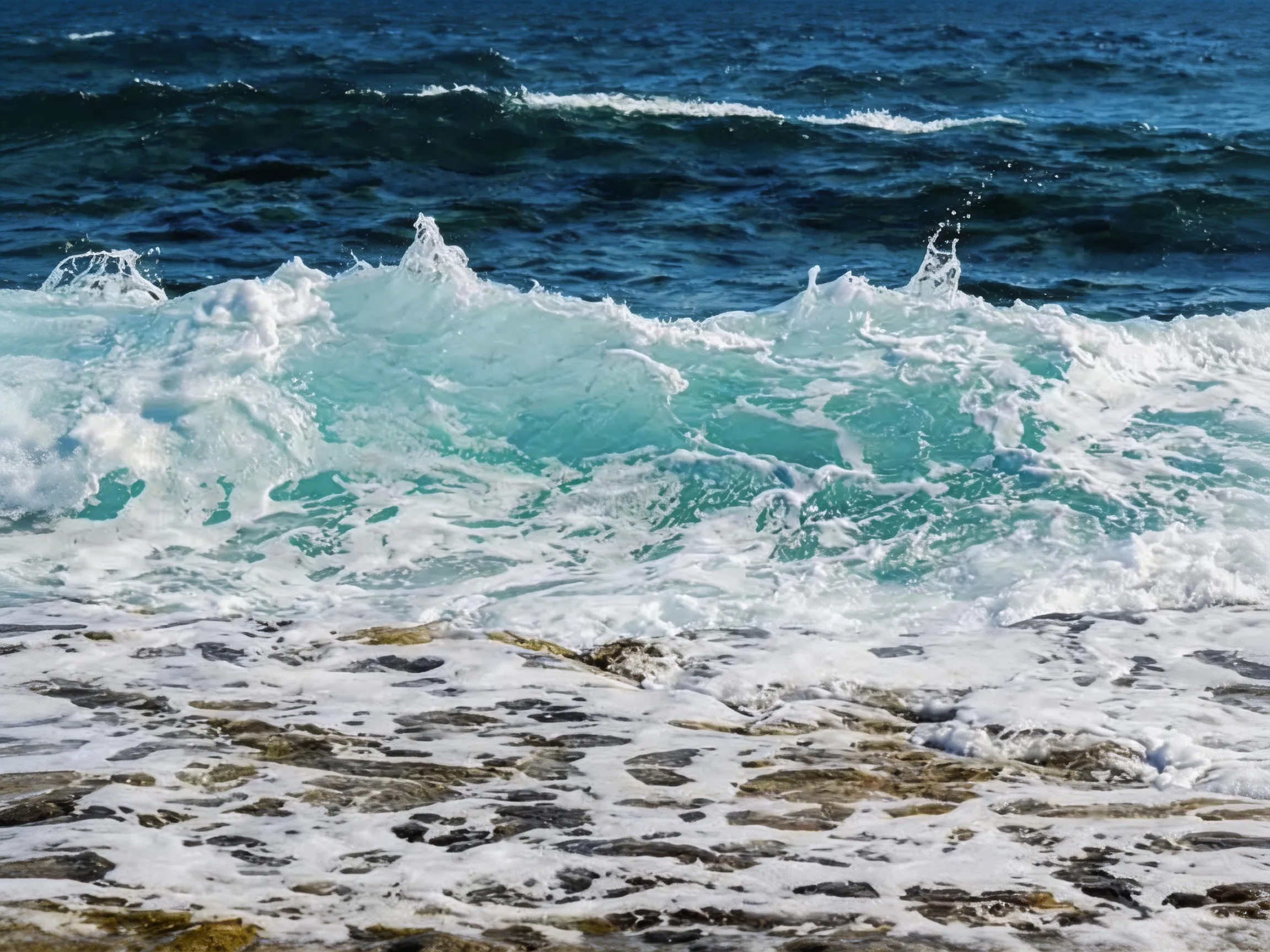 After
テキスト除去
不要なテキストと注釈を削除
 Before
 After
オブジェクト除去
不要なオブジェクトと要素を削除
BeforeAfter写真の透かし
ロゴ、テキスト、その他の不要な要素を削除
主な利点
当社の透かし除去ツールを選ぶ理由
最先端のAI技術を採用し、プロフェッショナルレベルの透かし除去効果を実現。
即座に結果
数時間ではなく数秒で透かし除去が完了。AIの処理速度は超高速です。
高品質出力
透かしを完全に削除しながら、元の画像品質を維持します。
プライバシーと安全性
画像は当社のサーバーで安全に処理され、24時間以内に削除されます。AIのトレーニングには使用しません。
強力な機能
プロフェッショナルな透かし除去に必要なすべての機能。
AIスマート検出
インテリジェントなAIが、あらゆるタイプ、サイズ、位置の透かしを自動検出。
マルチフォーマット対応
JPG、PNG、WEBPなどの一般的な画像フォーマットをサポート。
画質保持
高度なアルゴリズムにより、画像品質を完璧に保持。
高速処理
最適化された処理パイプラインにより、数秒で結果を取得。
安全でプライベート
画像は安全に処理され、ダウンロード後自動的に削除されます。
簡単操作
シンプルなドラッグ&ドロップインターフェース、技術スキル不要。
Before and after
Drag the slider to compare — AI inpainting reconstructs the pixels under the mark.
Erase stickers and unwanted objects — the background is rebuilt automatically.
Drag the handle to compare
Clear pricing, clear limits
- Free removals on signup
- 3Free removals on signup
- Starting monthly price
- $9.9Starting monthly price
- Maximum image size
- 10MBMaximum image size
- Automatic image deletion
- 24hAutomatic image deletion
料金
シンプルで透明な料金体系
ニーズに合ったプランを選択。隠れた費用はありません。
ベーシック
個人使用に最適。
- 月50回の透かし除去(年払いで年600回)
- JPG、PNG、WEBP、BMP対応(最大10MB)
- 標準AI処理
- メールサポート
- 1枚ずつ処理
プロ
プロフェッショナル向け。
- 月200回の透かし除去(年払いで年2,400回)
- ベーシックの全機能
- 優先メールサポート
- 1枚ずつ処理
- クレジットは現在の請求期間内有効
エンタープライズ
チームと企業向け。
- 月500回の透かし除去(年払いで年6,000回)
- プロの全機能
- 優先メールサポート
- 1枚ずつ処理
- クレジットは現在の請求期間内有効
よくある質問
ご質問がありますか?回答があります。さらなるサポートが必要な場合はお問い合わせください。
Use cases
Watermark removal, by use case
Step-by-step guides for the most common image jobs — formats, objects, platforms, and tools.
Remove Watermark from Video — Frame by Frame with AI
Remove watermarks from videos using our frame-by-frame AI workflow. Extract frames from your video (MP4, MOV, AVI), upload them to our AI remover for AI watermark removal, then reassemble into a clean video. Works with TikTok, YouTube, Instagram, and Sora watermarks. No blur, just AI inpainting that reconstructs the pixels underneath.
/remove-watermark-from-videoRemove Watermark from Photo Online
Got a stock photo with a visible watermark, or a screenshot carrying someone's social handle? Our AI photo watermark remover reconstructs the underlying pixels and gives you back a clean, share-ready photo in seconds. No Photoshop, no selection brush, no credit card.
/remove-watermark-from-photoRemove Watermark from PNG Images
PNG is common for screenshots, design exports, and images with transparency. Our AI PNG watermark remover rebuilds the area under the watermark. Note that the processed result is a newly generated image file: if your PNG relies on transparency outside the watermark, check the output before using it.
/remove-watermark-from-pngRemove Text from Any Image
Burned-in captions on memes, watermarks on stock photos, timestamps on old scans, social handles on screenshots — text overlays ruin otherwise usable images. Our AI text eraser detects text regions and rebuilds the background underneath, leaving no blur boxes and no smudges.
/remove-text-from-imageRemove Watermark from JPG Files
JPG is still the most common format for photos on the web — which also makes it the format most often saddled with visible watermarks. Our AI removes the overlay and reconstructs the area beneath it. The output keeps the source resolution but is a newly generated image file, so EXIF metadata from the original is not carried over.
/remove-watermark-from-jpgRemove Watermark from WebP Images
WebP is a common format for the web because of its small file size. The uploader accepts WebP input, and the AI reconstructs the area under the watermark. The result is returned as a newly generated image file rather than being re-encoded as WebP, so convert it back to WebP in your own tool if your pipeline requires that format.
/remove-watermark-from-webpRemove Logo from Photo Online
Logos are trickier than text watermarks — they often have semi-transparent backgrounds, complex shapes, and sit over detailed content. Our AI logo remover detects the logo's shape and rebuilds the underlying pixels, whether the logo is a corner badge on a product photo or a giant brand overlay across the middle.
/remove-logo-from-photoRemove Date Stamp from Photo
Almost every film-era digital camera burned an orange or yellow date stamp into the corner of photos. Decades later, those stamps ruin otherwise charming throwback pictures. Our AI timestamp remover detects the date text and rebuilds the photo underneath — great for digitized prints, scanned family albums, and old camera phone shots.
/remove-timestamp-from-photoRemove Caption from Image
Captions, subtitles, and annotation text burned into an image are useful when you need them — and a pain when you don't. Meme top/bottom text, hardcoded video subtitles grabbed as screenshots, PDF annotation overlays: our AI caption remover finds the text region and rebuilds the image underneath so you can repurpose the underlying photo.
/remove-caption-from-imageFrom the blog
Product updates, guides, and engineering notes from the team.
How to Remove a Watermark from a Photo (Without Ruining It)
A practical, step-by-step guide to removing watermarks, logos, timestamps, and captions from photos — what works, what damages the image, and how AI inpainting changes the math.
 WatermarkRemover Team
AI Image Watermarks Explained: Gemini, Sora, and What You Can Remove
AI images often ship with two kinds of watermark — a visible corner badge and an invisible provenance signal. Here is the difference, and when removing one is safe and legal.
WatermarkRemover TeamRelated watermark removal guides
Format-specific guides for common image, video, and document jobs
GIF
Remove watermarks from animated GIFs, frame by frame
Read guideVideo
Extract frames from MP4, MOV, or AVI, clean each frame, then reassemble
Read guidePhoto
Remove watermarks from any photo format (JPG, PNG, WEBP)
Read guideExport PDF pages as images, clean each page, then rebuild the PDF
Read guide