Gemini Watermark Remover
Utilisez la technologie AI pour supprimer les filigranes des images en un clic.
Obtenez des résultats propres et professionnels en quelques secondes.
- Secure processing
- Files auto-deleted
- No credit card required
Drop your image here
or click to browse
JPG · PNG · WEBP · BMP · up to 10MB
Processed securely — files are deleted automatically
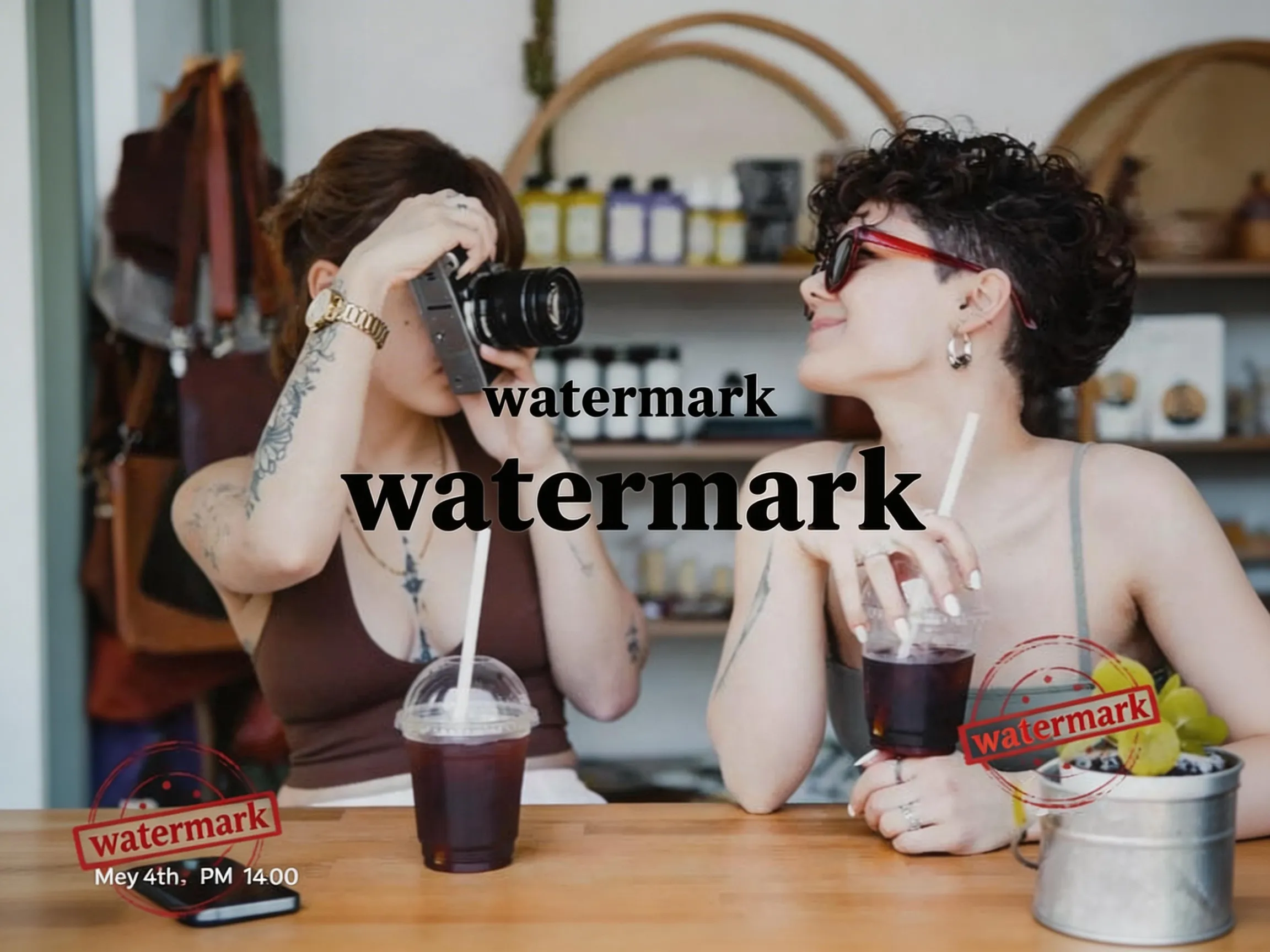

Example: watermark removed
Que peut faire WatermarkRemover ?
WatermarkRemover prend en charge tous les formats principaux et peut traiter divers types de filigranes et d'éléments indésirables.
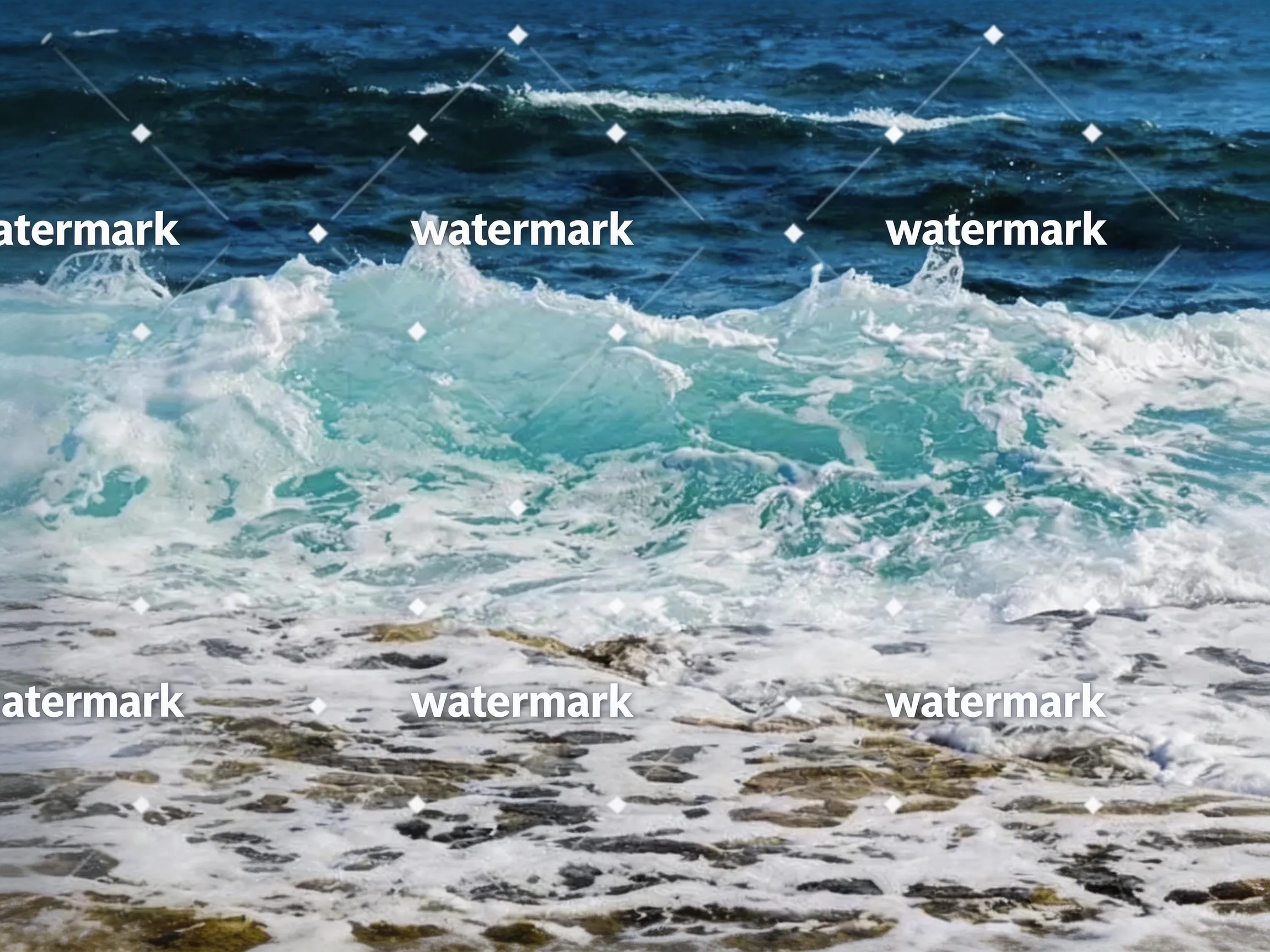 Before
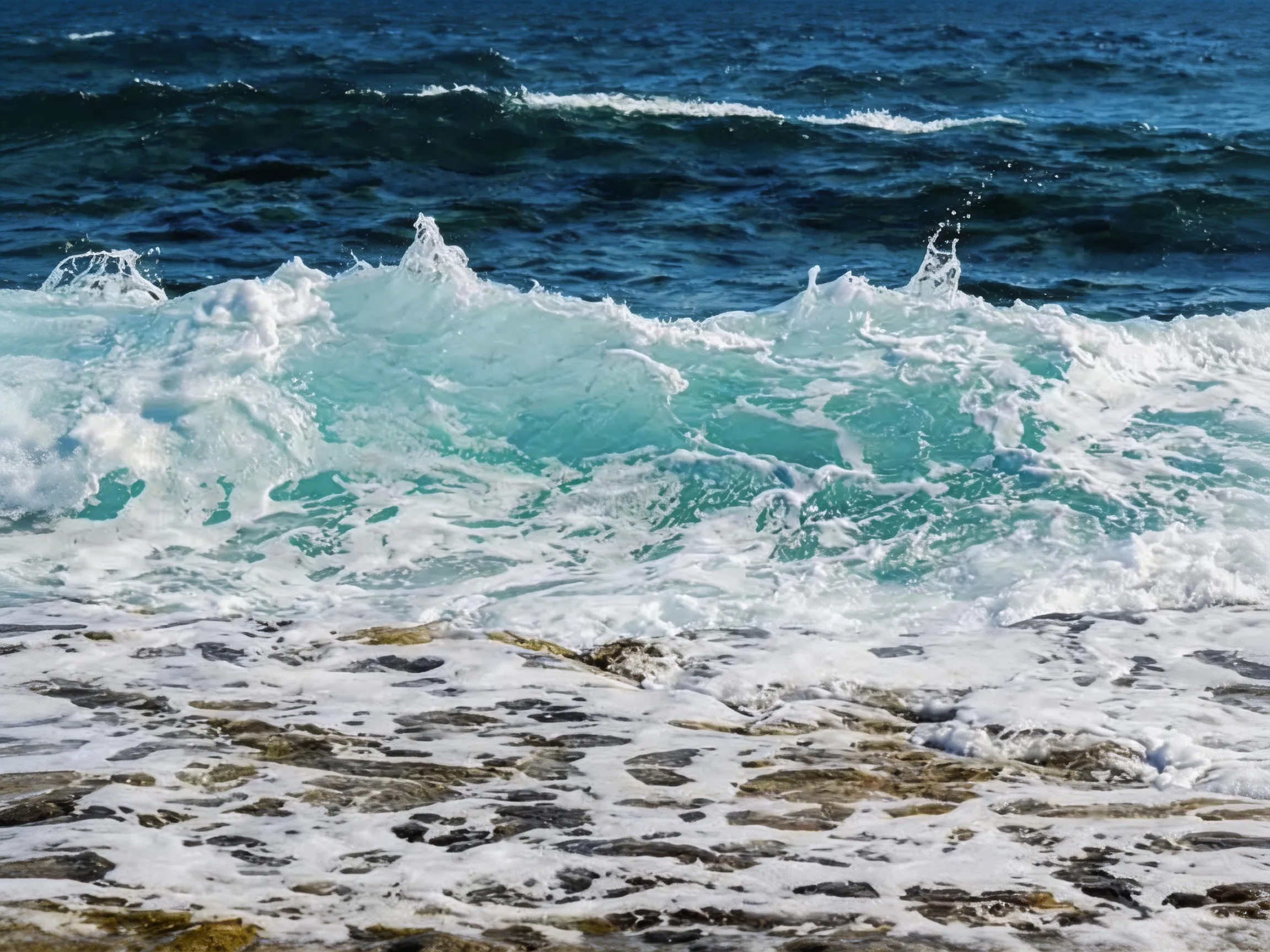 After
Suppression de texte
Supprimer le texte et les annotations indésirables
 Before
 After
Suppression d'objet
Supprimer les objets et éléments indésirables
BeforeAfterFiligrane de photo
Supprimer les logos, textes et autres éléments indésirables
Avantages principaux
Pourquoi choisir notre outil de suppression de filigrane
Adoptant une technologie AI de pointe pour une suppression de filigrane de niveau professionnel.
Résultats instantanés
La suppression de filigrane se termine en quelques secondes, pas en heures. Notre traitement AI est ultra-rapide.
Sortie de haute qualité
Supprime complètement les filigranes tout en maintenant la qualité d'image d'origine.
Confidentialité et sécurité
Les images sont traitées en toute sécurité sur nos serveurs et supprimées sous 24 heures. Elles ne servent jamais à entraîner des modèles.
Fonctionnalités puissantes
Toutes les fonctionnalités dont vous avez besoin pour la suppression professionnelle de filigrane.
Détection intelligente par AI
L'AI intelligente détecte automatiquement les filigranes de tout type, taille ou position.
Support multi-format
Prend en charge les formats d'image courants comme JPG, PNG, WEBP.
Préservation de la qualité
L'algorithme avancé garantit une qualité d'image parfaite.
Traitement rapide
Obtenez des résultats en quelques secondes grâce à un pipeline de traitement optimisé.
Sécurisé et privé
Les images sont traitées en toute sécurité et supprimées automatiquement après le téléchargement.
Facile à utiliser
Interface simple par glisser-déposer, aucune compétence technique requise.
Before and after
Drag the slider to compare — AI inpainting reconstructs the pixels under the mark.
Erase stickers and unwanted objects — the background is rebuilt automatically.
Drag the handle to compare
Clear pricing, clear limits
- Free removals on signup
- 3Free removals on signup
- Starting monthly price
- $9.9Starting monthly price
- Maximum image size
- 10MBMaximum image size
- Automatic image deletion
- 24hAutomatic image deletion
Tarifs
Tarification simple et transparente
Choisissez le plan qui correspond à vos besoins. Aucun frais caché.
Basique
Idéal pour un usage personnel.
- 50 suppressions par mois (600/an avec l'offre annuelle)
- JPG, PNG, WEBP et BMP jusqu'à 10 Mo
- Traitement AI standard
- Support par e-mail
- Traitement d'une image à la fois
Pro
Pour les professionnels.
- 200 suppressions par mois (2 400/an avec l'offre annuelle)
- Tout le plan Basique
- Support e-mail prioritaire
- Traitement d'une image à la fois
- Crédits valables pendant la période de facturation
Entreprise
Pour les équipes et les entreprises.
- 500 suppressions par mois (6 000/an avec l'offre annuelle)
- Tout le plan Pro
- Support e-mail prioritaire
- Traitement d'une image à la fois
- Crédits valables pendant la période de facturation
Questions fréquemment posées
Vous avez des questions ? Nous avons des réponses. Contactez-nous si vous avez besoin d'aide supplémentaire.
Use cases
Watermark removal, by use case
Step-by-step guides for the most common image jobs — formats, objects, platforms, and tools.
Remove Watermark from Video — Frame by Frame with AI
Remove watermarks from videos using our frame-by-frame AI workflow. Extract frames from your video (MP4, MOV, AVI), upload them to our AI remover for AI watermark removal, then reassemble into a clean video. Works with TikTok, YouTube, Instagram, and Sora watermarks. No blur, just AI inpainting that reconstructs the pixels underneath.
/remove-watermark-from-videoRemove Watermark from Photo Online
Got a stock photo with a visible watermark, or a screenshot carrying someone's social handle? Our AI photo watermark remover reconstructs the underlying pixels and gives you back a clean, share-ready photo in seconds. No Photoshop, no selection brush, no credit card.
/remove-watermark-from-photoRemove Watermark from PNG Images
PNG is common for screenshots, design exports, and images with transparency. Our AI PNG watermark remover rebuilds the area under the watermark. Note that the processed result is a newly generated image file: if your PNG relies on transparency outside the watermark, check the output before using it.
/remove-watermark-from-pngRemove Text from Any Image
Burned-in captions on memes, watermarks on stock photos, timestamps on old scans, social handles on screenshots — text overlays ruin otherwise usable images. Our AI text eraser detects text regions and rebuilds the background underneath, leaving no blur boxes and no smudges.
/remove-text-from-imageRemove Watermark from JPG Files
JPG is still the most common format for photos on the web — which also makes it the format most often saddled with visible watermarks. Our AI removes the overlay and reconstructs the area beneath it. The output keeps the source resolution but is a newly generated image file, so EXIF metadata from the original is not carried over.
/remove-watermark-from-jpgRemove Watermark from WebP Images
WebP is a common format for the web because of its small file size. The uploader accepts WebP input, and the AI reconstructs the area under the watermark. The result is returned as a newly generated image file rather than being re-encoded as WebP, so convert it back to WebP in your own tool if your pipeline requires that format.
/remove-watermark-from-webpRemove Logo from Photo Online
Logos are trickier than text watermarks — they often have semi-transparent backgrounds, complex shapes, and sit over detailed content. Our AI logo remover detects the logo's shape and rebuilds the underlying pixels, whether the logo is a corner badge on a product photo or a giant brand overlay across the middle.
/remove-logo-from-photoRemove Date Stamp from Photo
Almost every film-era digital camera burned an orange or yellow date stamp into the corner of photos. Decades later, those stamps ruin otherwise charming throwback pictures. Our AI timestamp remover detects the date text and rebuilds the photo underneath — great for digitized prints, scanned family albums, and old camera phone shots.
/remove-timestamp-from-photoRemove Caption from Image
Captions, subtitles, and annotation text burned into an image are useful when you need them — and a pain when you don't. Meme top/bottom text, hardcoded video subtitles grabbed as screenshots, PDF annotation overlays: our AI caption remover finds the text region and rebuilds the image underneath so you can repurpose the underlying photo.
/remove-caption-from-imageFrom the blog
Product updates, guides, and engineering notes from the team.
How to Remove a Watermark from a Photo (Without Ruining It)
A practical, step-by-step guide to removing watermarks, logos, timestamps, and captions from photos — what works, what damages the image, and how AI inpainting changes the math.
 WatermarkRemover Team
AI Image Watermarks Explained: Gemini, Sora, and What You Can Remove
AI images often ship with two kinds of watermark — a visible corner badge and an invisible provenance signal. Here is the difference, and when removing one is safe and legal.
WatermarkRemover TeamPrêt à supprimer les filigranes ?
Commencez à supprimer les filigranes des images en quelques secondes.
Related watermark removal guides
Format-specific guides for common image, video, and document jobs
GIF
Remove watermarks from animated GIFs, frame by frame
Read guideVideo
Extract frames from MP4, MOV, or AVI, clean each frame, then reassemble
Read guidePhoto
Remove watermarks from any photo format (JPG, PNG, WEBP)
Read guideExport PDF pages as images, clean each page, then rebuild the PDF
Read guide